American Business Solutions (ABS) company logo
Edit Content

What Are Media-Driven Printers and
Why Should You Care?

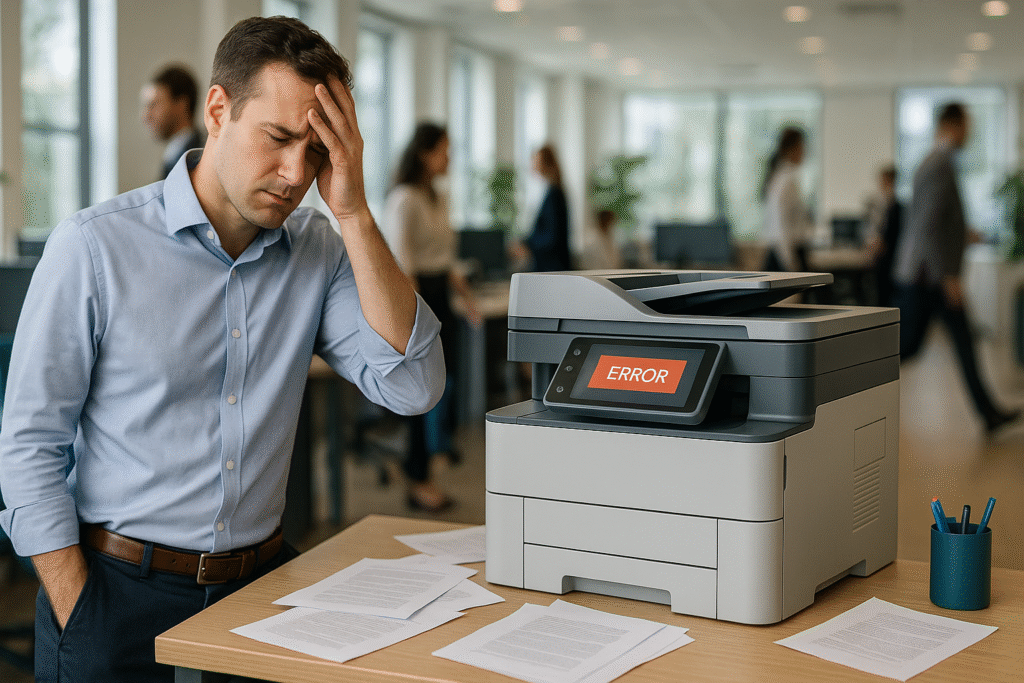
        If you’ve ever muttered, “Why won’t my printer just print what I want?” you’re definitely not alone. Office printers are supposed to make your workday easier, but when paper jams, wrong paper types, or confusing error messages pop up, it can feel like your printer has a mind of its own.

        Here’s the good news: the problem might not be your printer, it could just be the way it’s set up. Many modern printers are media-driven, meaning they rely on you to tell them exactly what kind of paper or media you’re using. Understanding how this works can save you time, money, and frustration.

        At American Business Solutions, we support businesses by optimizing print environments every day. We’ve seen nearly every printer issue out there and one common source of confusion is how media-driven printers operate.

What Is a Media-Driven Printer?

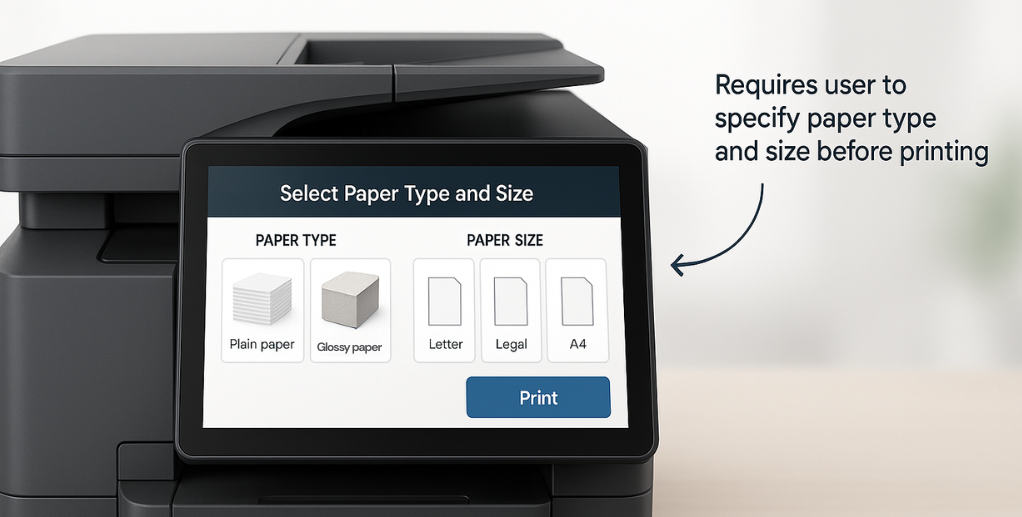
        A media-driven printer is designed to deliver precise, high-quality prints by asking you to confirm what kind of paper or media you’re loading before printing. You’ll often need to specify the paper size, type, or texture each time you add paper to the tray.

        Why? Because printers don’t yet have magical sensors that detect every type of media automatically. In busy offices, trays often switch from plain copy paper to specialty stock like letterhead or cardstock. A media-driven printer prompts you to confirm the media, helping avoid costly mistakes like printing on the wrong paper or causing print jobs to get stuck.

Why Media Settings Matter

        Think of media settings as the secret to perfect printing results. Correctly specifying the paper size, type, and color profile ensures ink is applied just right, producing professional-quality documents.

        Ignoring these settings can cause:

  • Poor print quality: faded colors, smudges, or blurry text
  • Wasted materials: printing a memo on expensive cardstock by accident
  • Job delays: printers holding jobs because the media settings don’t match the loaded paper

    Taking a moment to set the media correctly means fewer headaches and less wasted time and money.

Common Mistakes to Avoid

     Even the best printers can’t fix user errors. Here are a few common missteps with media-driven printers:

  1. Ignoring printer prompts: When your printer asks about paper type or size, don’t skip these questions they’re critical.
  2. Assuming automatic detection: Printers can’t always tell if it’s photo paper or plain paper you need to tell them.
  3. Neglecting application print settings: Programs like Word or Excel have their own print settings that must align with your printer’s media settings.

Key Media Settings You Should Know

        To master media-driven printing, focus on these:

  • Paper Size: Standard letter, legal, or specialty sizes
  • Paper Type: Glossy, matte, card stock, or plain. Each needs different printing techniques
  • Color Profile: Ensures your colors look right, especially for presentations or marketing materials

        Setting these correctly makes a huge difference in the quality and efficiency of your prints.

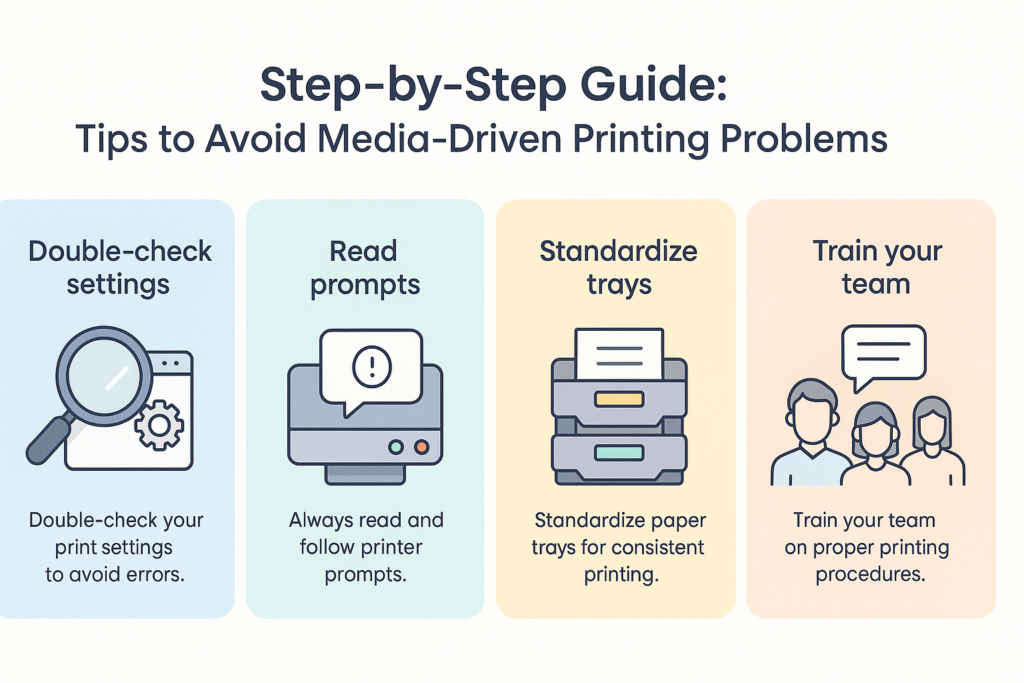
Tips to Avoid Media-Driven Printing Problems

  • Double-check settings: Review print options in your software and on the printer before printing.
  • Read the printer prompts: They’re there to guide you don’t ignore them.
  • Standardize trays: Assign specific trays for certain paper types in your office to reduce confusion.
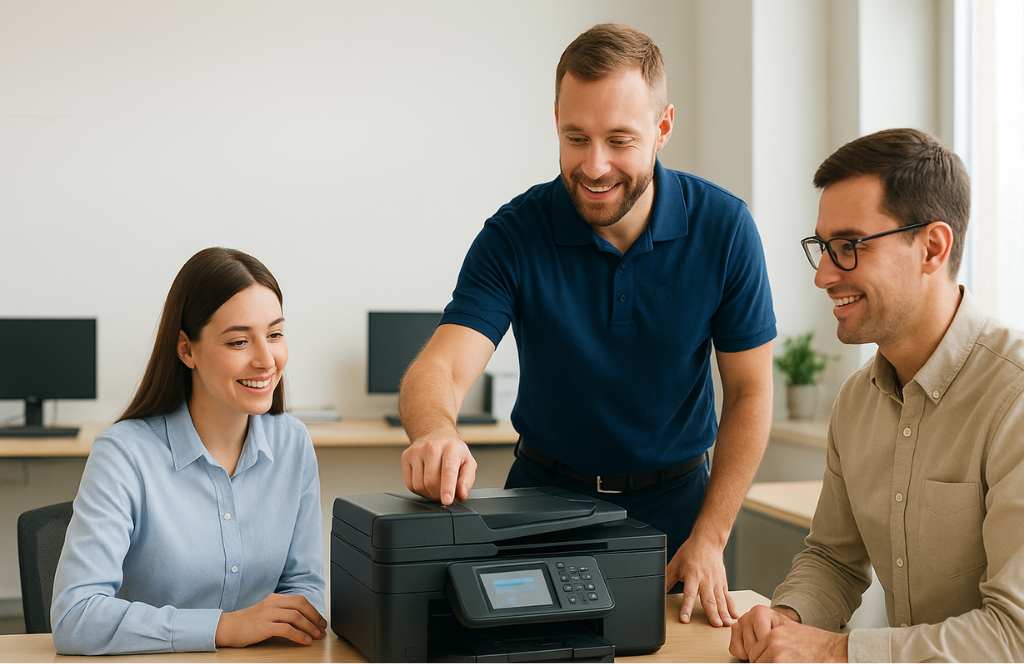
  • Train your team: A little user education prevents a lot of printer headaches.

Why Understanding Media-Driven Printers Pays Off

        When you know how your printer handles media, you’ll:

  • Save time by avoiding print errors
  • Cut down on wasted ink and paper
  • Ensure every print job looks professional

        It’s a simple way to improve your office productivity and reduce unnecessary expenses.

Need Help Optimizing Your Print Environment?

        Media-driven printers are powerful tools when used properly. At American Business Solutions, we’re experts in helping businesses get the most out of their office technology from troubleshooting tricky printers to recommending smarter, more efficient devices.

        If your printer is causing frustration or you want to upgrade to a solution that fits your needs perfectly, contact us today. We’ll help you take the guesswork out of printing so your office runs smoothly.

       Visit www.abs-fl.com or call us at [insert phone number] to learn more about smarter printer setups and our full range of commercial printing solutions tailored for businesses.

Frequently Asked Questions (FAQs)

What is a media-driven printer?

A media-driven printer requires you to set the paper type, size, and texture before printing to ensure accurate, high-quality results.

Why do media settings matter?

Correct media settings prevent smudges, color issues, and paper jams, giving you professional-looking prints every time.

What common mistakes should I avoid?

Avoid ignoring printer prompts, assuming auto-detection, or mismatching print settings between your appand printer.

How can I prevent media-driven printing problems?

Always check your settings, follow printer prompts, label paper trays, and train users to reduce errors.

Why should I care about media-driven printers?

Understanding media-driven printing helps you save time, cut waste, and ensure consistent, high-quality output.